From “I need help” to useful questions.
A short, editable resource brief with categories, suggested call preparation, and visible eligibility uncertainty.

Find practical resources, offer time, coordinate a gift, or share a service—without telling your whole story before you are ready.
Choose the path that feels closest. The navigator can reroute a draft when needs overlap; a human partner still confirms fit, availability, and next steps.
A good community doorway does not make someone perform their hardship, surrender unnecessary personal information, or guess which organization owns the next step.
General need, general area, language, and a safe follow-up channel are enough for the first draft.
Safety phrases stop ordinary workflow and show direct emergency or crisis options without storing the entry.
AI-generated suggestions remain drafts until a visitor approves them and a human partner verifies fit and availability.
A short, editable resource brief with categories, suggested call preparation, and visible eligibility uncertainty.
A schedule- and access-aware volunteer inquiry, ready for a coordinator—not an automatic placement.
A non-transactional donation note with designation and acknowledgment questions. No card data, no payment.
A concise partner introduction that avoids confidential documents, promises, and unverified matching.
It replaces the page with a neutral weather search and removes this page from the immediate history path where the browser allows.
Potential immediate-danger language displays 911 and 988 options, hides the ordinary result, and is not written to local storage.
Core navigation and guidance can switch among English, Spanish, French, and Arabic. Human interpretation still needs confirmation.
The first step asks for a general area, not an exact address, and gives the visitor control over follow-up.
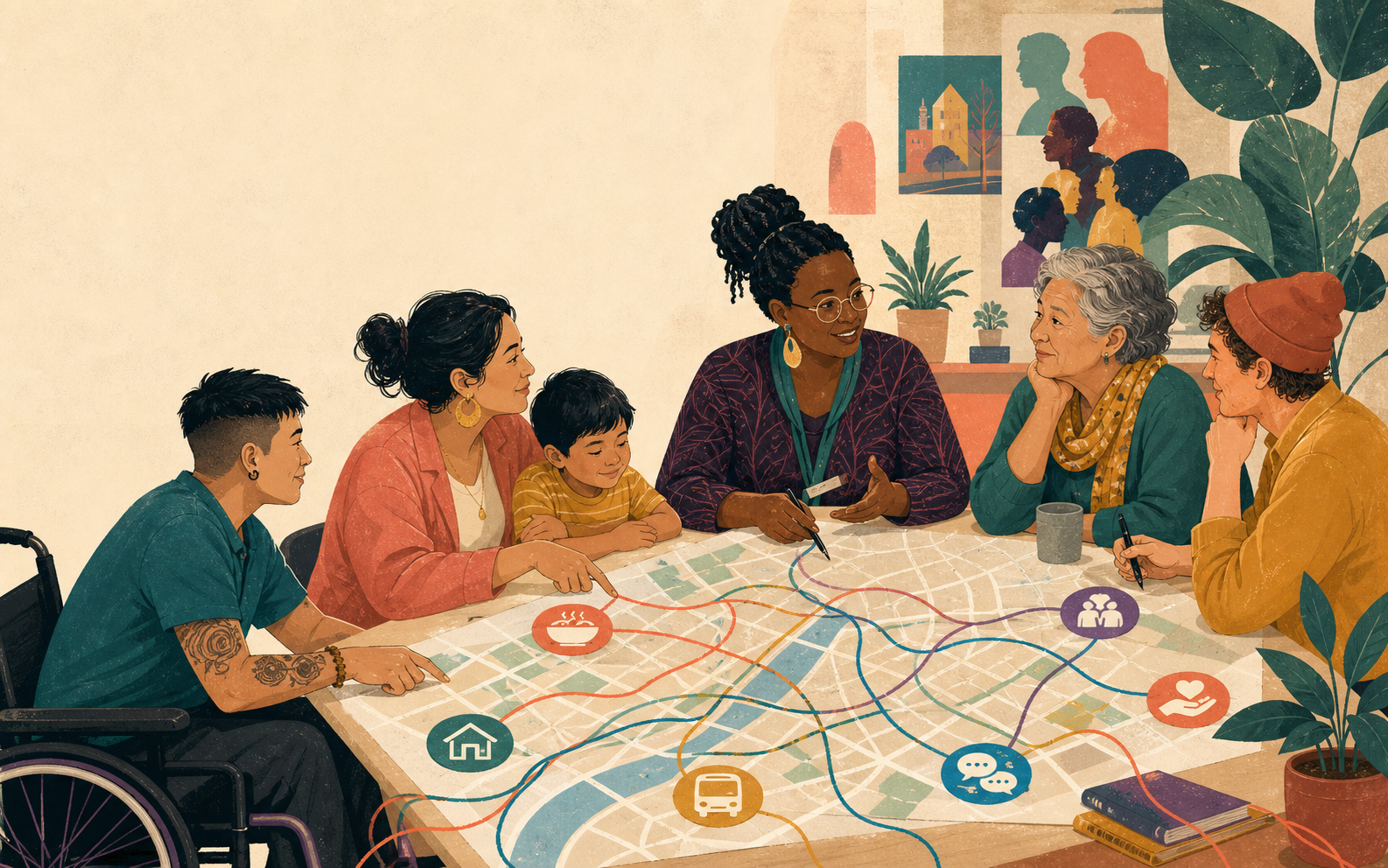
Support, time, giving, and community knowledge all belong in the same connected story—with the right boundaries around each one.
Open the navigator ↗About this website demonstration
It is a fictional nonprofit and community services website created to demonstrate sector-specific content, responsive design, accessible navigation, and a working multilingual community resource navigation workflow.
No. The organization, records, people, and outcomes shown are fictional and exist only as a Detailed In Design website and workflow demonstration.
Community staff verify eligibility and availability, while immediate-danger language bypasses normal navigation and is not stored.